
Personal Portfolio and Chatbot
From a corner bubble to a sidebar that stays out of the way.
At a glance
- Problem
- Recruiters have about 30 seconds per portfolio. I needed a way for them to get what they want (work, skills, contact) without scrolling or reading everything - without getting in the way of people who just want to scroll.
- Decisions
- A chatbot named Ori, opened from a face mark opposite the logo. The panel slides in like a bookmark instead of sitting in the hero. Multi-provider fallback (Groq → OpenRouter → safe mock) keeps answers coming when a model disappears.
- Outcome
- v1 broke when IBM discontinued Watson. v2 proved the fallback chain, but the hero search bar felt intrusive. v3 moves Ori to the sidebar so the page stays calm and the conversation survives the session.
The Problem
As I was working on my first portfolio in years, one thought kept creeping up on me: “How do I relay information in a clean and fast way, in the age of low attention spans, to people like recruiters who have little to no time in their day?”
Then it came to me: a chatbot!
v1.0, Watson's Corner
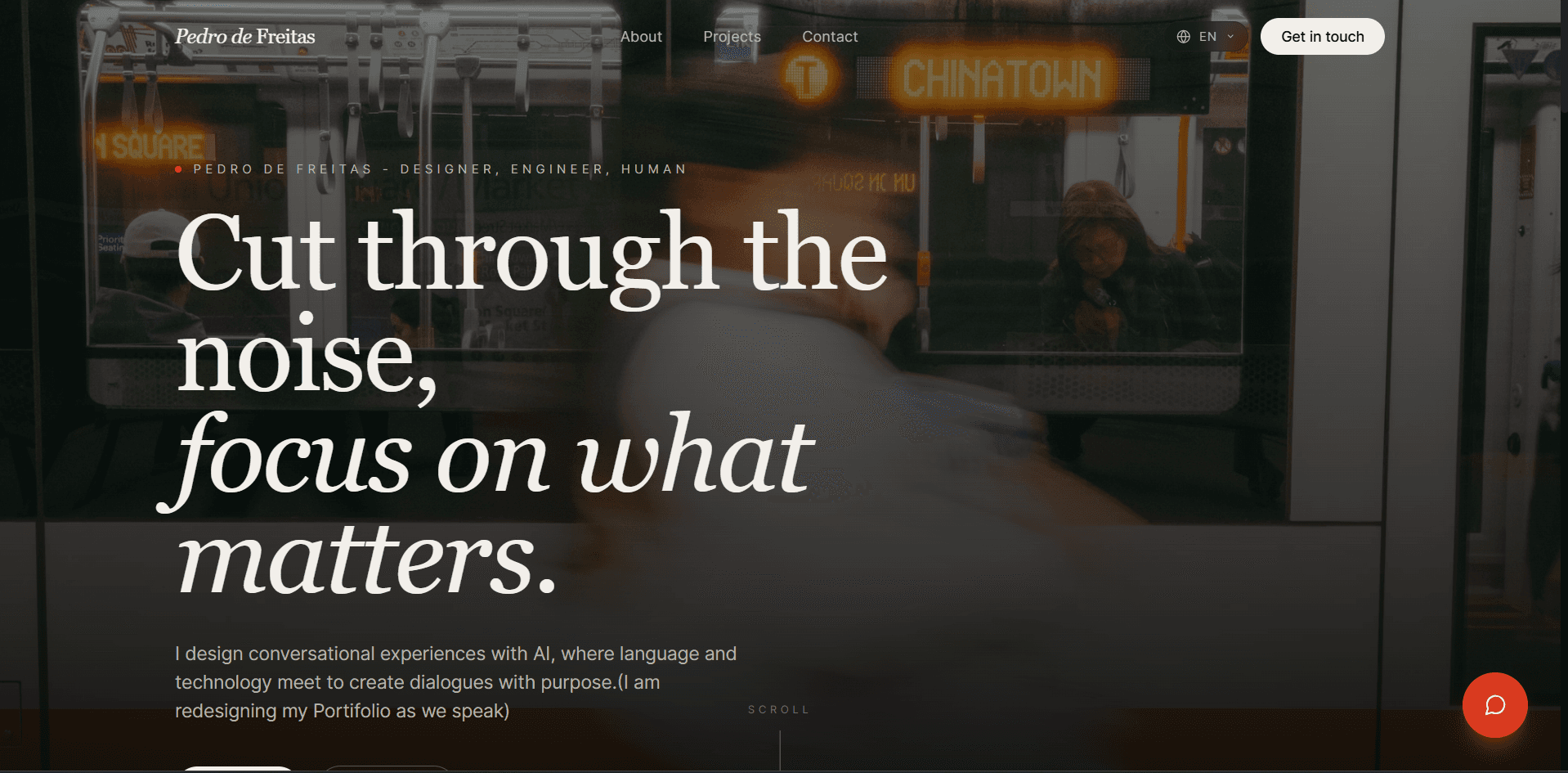
During my career transition, I was studying AI applications on IBM SkillsBuild. There I came across their chatbot engine, Watson, which led me to the field of conversational design, a field that walked hand in hand with the need I had at the time.
The decisions were natural at first:
- A little floating button in the corner that would open a chat window, like those help-desk bots.
- It would use Watson's API, which relies on conversational flows and actions, for a more hands-on approach.
- It needed a backup plan, so I enlisted Anthropic's Claude API to step in if Watson failed for some reason or the user had more open-ended questions.
What broke
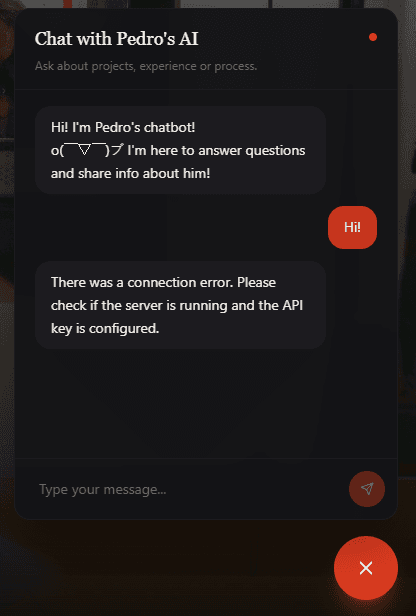
After some time, I realized the chatbot was going straight to its fallback replies. Here's what happened:
- IBM discontinued the free version of Watson Assistant I was using in favor of its new paid watsonx platform, which left me (for reasons I still haven't figured out) with a fully deleted account.
- Anthropic's API also had a problem with how the code worked in the live environment once Watson was absent.
I needed a new plan. While studying, I found someone on Twitter who gave me the direction I needed in my self-taught journey: Apparicio Junior (or AJ), who lit the way forward.
v2.0, the Hero Chat
“Sometimes when you're too close to something, you can't see the bigger picture.” A recruiter told me that once, and it really came to life through the videos on Design Circuit's YouTube channel, hosted by AJ. One phrase stuck with me from then on: “The recruiter only has 30 seconds to decide if they want to move forward with this or close the tab.”
With that mindset, the decisions became obvious:
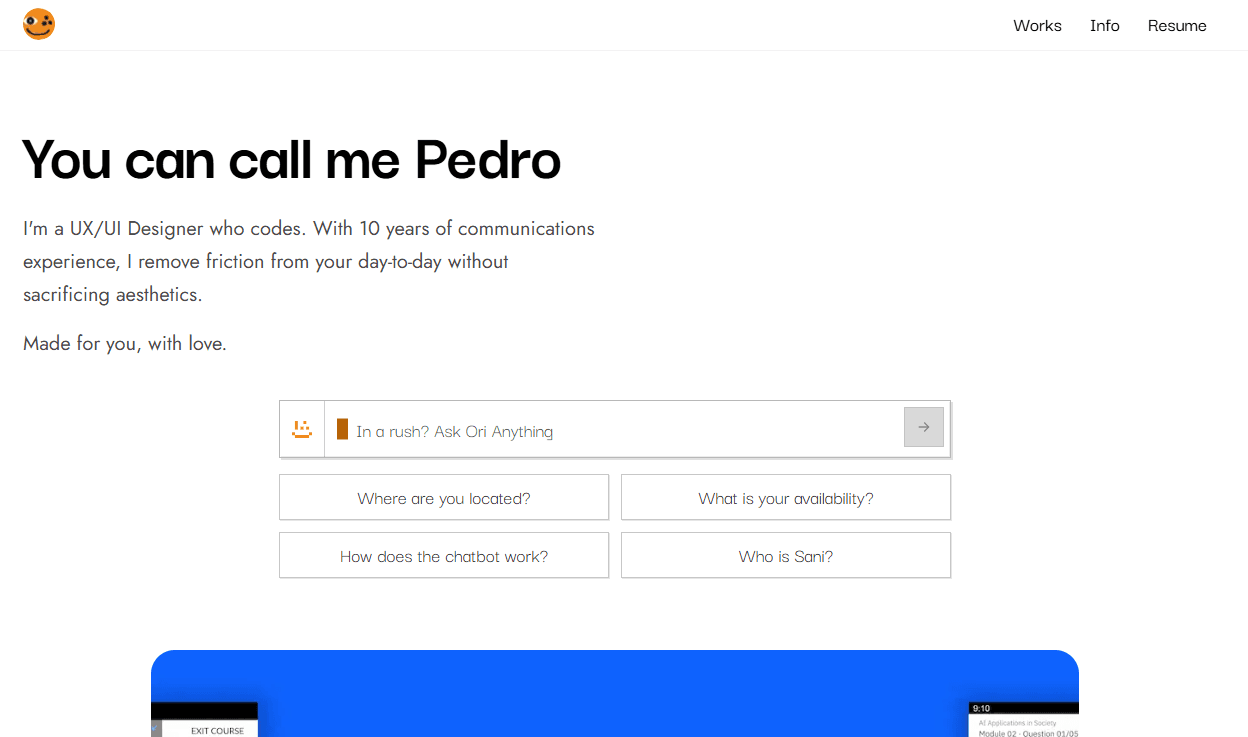
- Moving the chatbot from a bubble to a search bar nested right under the hero, so visitors can get any info on the go without scrolling through the portfolio.
- New, sturdier APIs. After a lot of consideration, I chose Groq as the main “brain”, with OpenRouter as a backup. Since both are multi-model services, that adds an extra layer of safety against failure.
- Quick actions: buttons with FAQs under the search bar let visitors get information without typing anything themselves.
As naturally as these decisions came, so did the name: Ori. In Yoruba tradition, Ori is the spiritual, invisible counterpart to the physical head, the core of a person's essence and personality.
What Broke II
Differently from the first failure, this one was a perspective issue - and it only showed up through real usage.
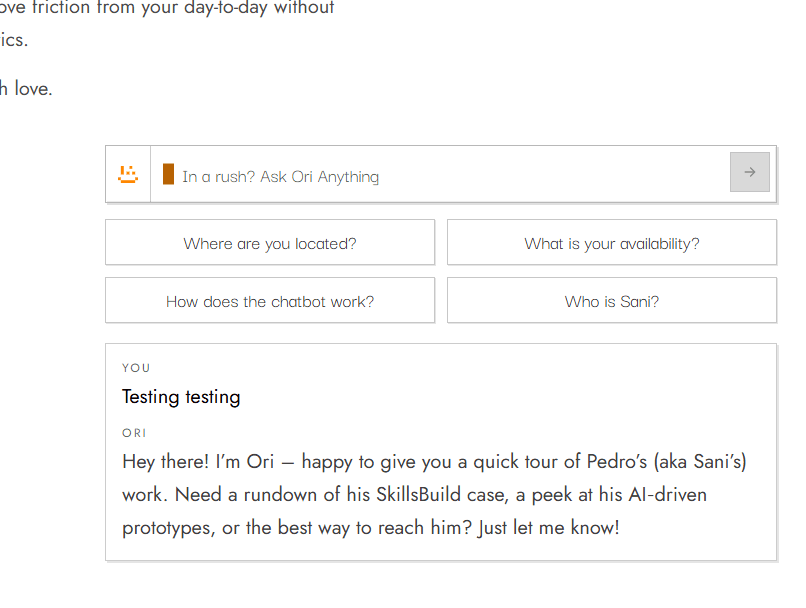
The initial idea treated the chatbot as a live product and the centerpiece of the page: a search bar for specific information about me. After living with it, two pain points stood out.
- The system prompt was too tight. Ori would not answer much outside its narrow track, which made open-ended curiosity feel like a dead end.
- The search bar in the hero was intrusive. It slowed scrolling and got in the way of people who thought outside that box. Instead of making information easier to reach, it became something to scroll past.
v3.0, Sidebar
I looked for better case writing and less intrusion: give people agency, and do not jump in their face if they want a clean scroll. The idea that fit was a sidebar.
Tradeoffs and decisions:
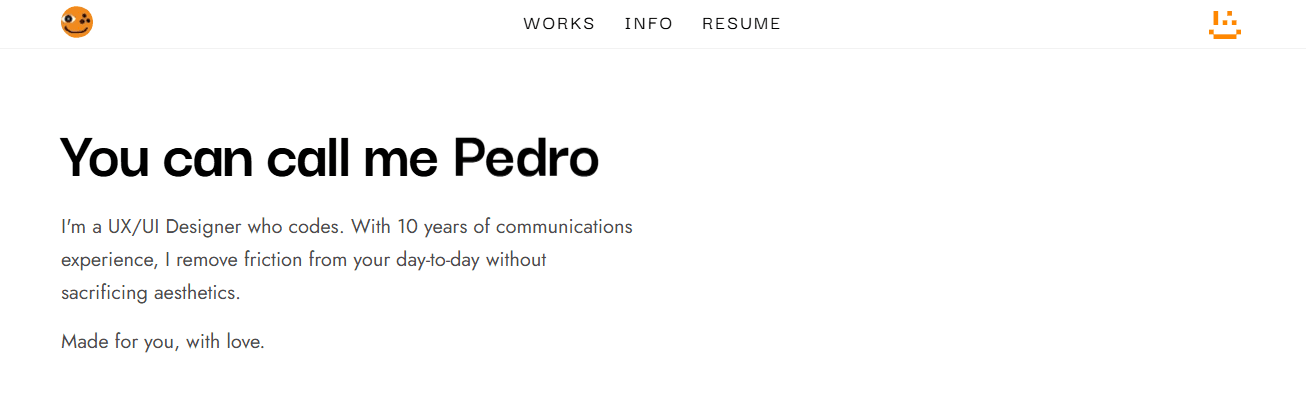
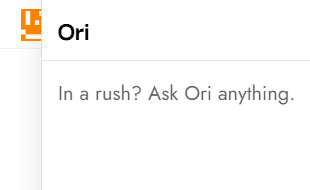
- Put Ori's face opposite the logo on the navbar. The page reads more balanced, and the assistant is available without owning the hero.
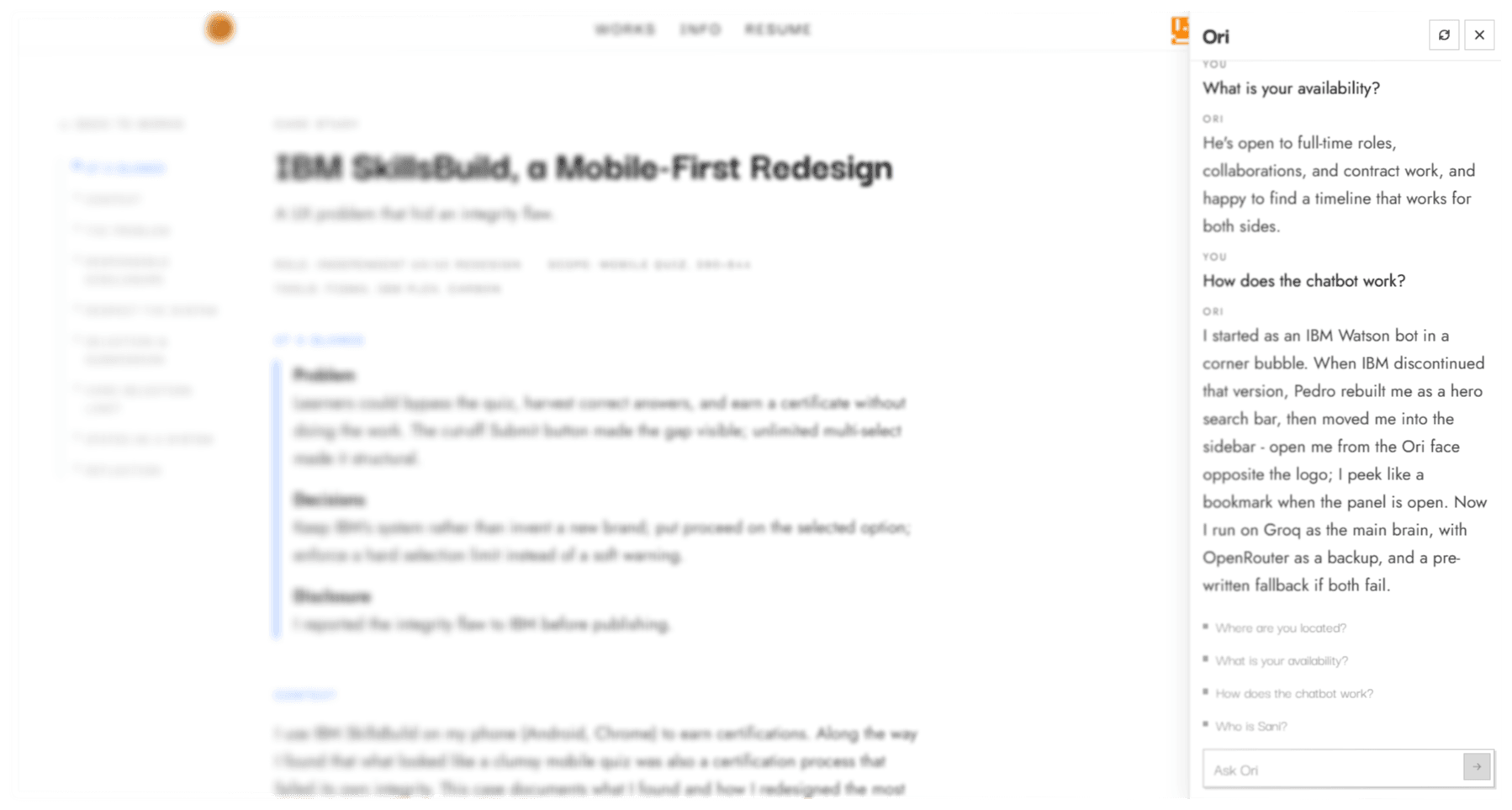
- Interacting slides the chat UI open from the right. The face is partly obscured and peeks like a bookmark, so the open state stays legible without a floating FAB.
- The chat works independent of the page: ask, scroll, close the panel, open a case, reopen - the conversation stays for the browser tab session.
Outcome: Ori is still the fast path for work, skills, and contact, but the portfolio can breathe. People who want a quiet scroll get one; people in a rush still have a direct line.
Reflection
Even after all this work, things sometimes break, which is exactly why there are now multi-step fallbacks for discontinued models and other issues. Placement broke in a quieter way: what looked like a smart hero feature turned out to steal attention from the work. Like every product, it's never “fire and forget” but a game of cat and mouse - finding ways to implement upgrades and ideas that can come from anywhere, including using the thing yourself.